One Minute CPD: PC
1. Turn off background images
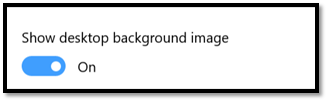
Minimize visual distractions by turning off your background image.
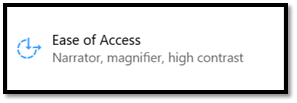
Select Start > Settings > Ease of Access > Display , and then use the toggle to turn off Show desktop background image
2. Turn off Animations
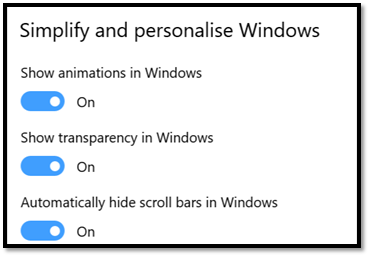
To minimize visual distractions, you can turn off animations in Windows.
Select Start > Settings > Ease of Access > Display . Then, turn off the toggle under Show animations in Windows.